
Monthly Copier Maintenance Checklist
A printable routine your office manager can run in fifteen minutes.
- Same-day service
- All major brands
- Flat-rate diagnostics
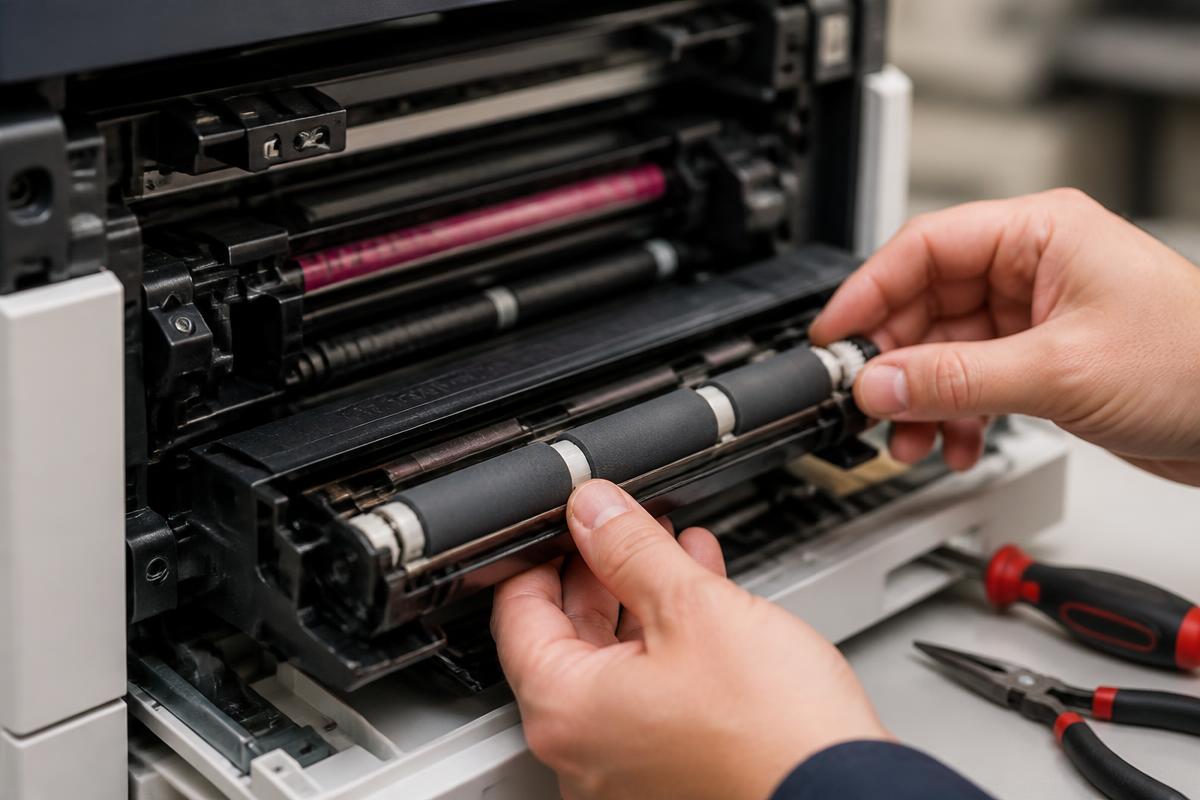
A fifteen-minute monthly routine
Hand this to whoever manages your office equipment.
- Wipe the scanner glass and ADF strip with a lint-free cloth.
- Check and empty the waste toner container.
- Inspect feed rollers for shine or flat spots.
- Vacuum paper dust from the trays.
- Run the calibration or color registration cycle.
- Print a test page and file it for comparison.
- Note the page count and any fault codes since last month.
- Confirm supply stock levels for the next 30 days.
Send us your monthly log and we will flag anything worth a proactive visit.
Still stuck?
Our Sugar Land technicians troubleshoot by phone at no charge before scheduling anything. Call (281) 313-9764 or request a quote.
Related services: copier repair, preventive maintenance, managed print services.
More guides
Keep reading.
How to Clear Paper Jams Without Damaging Your Copier
A safe, step-by-step method for clearing jams and knowing when to stop and call a technician.
Learn more →Common Copier Error Codes and What They Actually Mean
Decode the most frequent fault codes across major copier brands before you book service.
Learn more →10 Habits That Double the Life of an Office Copier
Practical daily and monthly habits that reduce service calls and keep print quality sharp.
Learn more →Toner vs. Ink: Choosing the Right Office Machine
Cost, volume and quality tradeoffs between laser and inkjet equipment for Texas offices.
Learn more →