
10 Habits That Double the Life of an Office Copier
Practical daily and monthly habits that reduce service calls and keep print quality sharp.
- Same-day service
- All major brands
- Flat-rate diagnostics
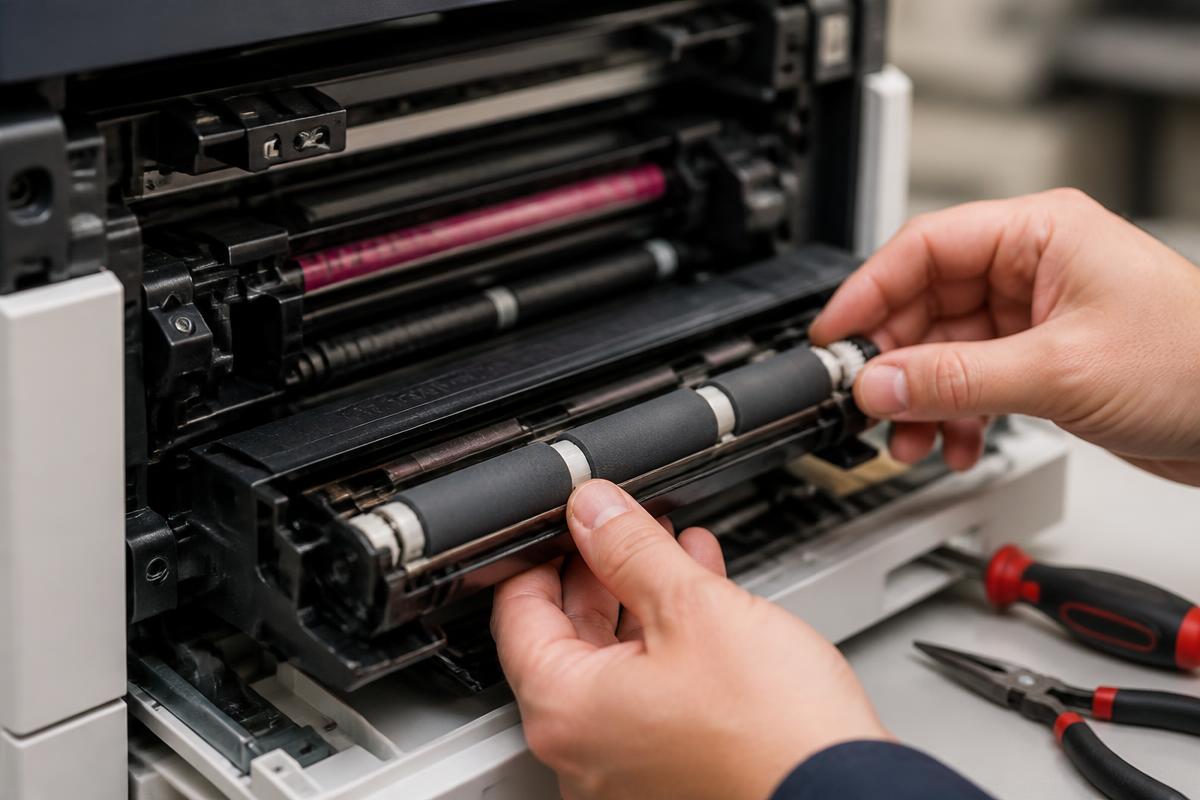
Small habits, big savings
Copiers rarely die suddenly. They degrade through neglect, and each of these habits removes a common failure path.
- Keep paper sealed until use and store it off concrete floors.
- Vacuum toner dust with a toner-rated vacuum, never a shop vac.
- Replace the waste toner container when prompted, not when it overflows.
- Keep six inches of clearance around vents so the fuser is not heat-soaked.
- Run the machine's built-in calibration monthly.
- Train staff to clear jams properly instead of yanking pages.
- Log recurring faults so patterns are visible.
- Use the duplexer — fewer sheets means fewer feed events.
- Keep firmware current, but never update mid-job.
- Book a preventive maintenance visit at the manufacturer's recommended page interval.
Offices that follow these have roughly half the emergency calls of those that do not.
Still stuck?
Our Sugar Land technicians troubleshoot by phone at no charge before scheduling anything. Call (281) 313-9764 or request a quote.
Related services: copier repair, preventive maintenance, managed print services.
More guides
Keep reading.
How to Clear Paper Jams Without Damaging Your Copier
A safe, step-by-step method for clearing jams and knowing when to stop and call a technician.
Learn more →Common Copier Error Codes and What They Actually Mean
Decode the most frequent fault codes across major copier brands before you book service.
Learn more →Toner vs. Ink: Choosing the Right Office Machine
Cost, volume and quality tradeoffs between laser and inkjet equipment for Texas offices.
Learn more →Print Quality Troubleshooting Guide
Streaks, ghosting, faded output and smudges — what causes each and how to fix it.
Learn more →