
Why Gulf Coast Humidity Wrecks Copier Paper
Storage and handling tips for Sugar Land and Houston offices during humid months.
- Same-day service
- All major brands
- Flat-rate diagnostics
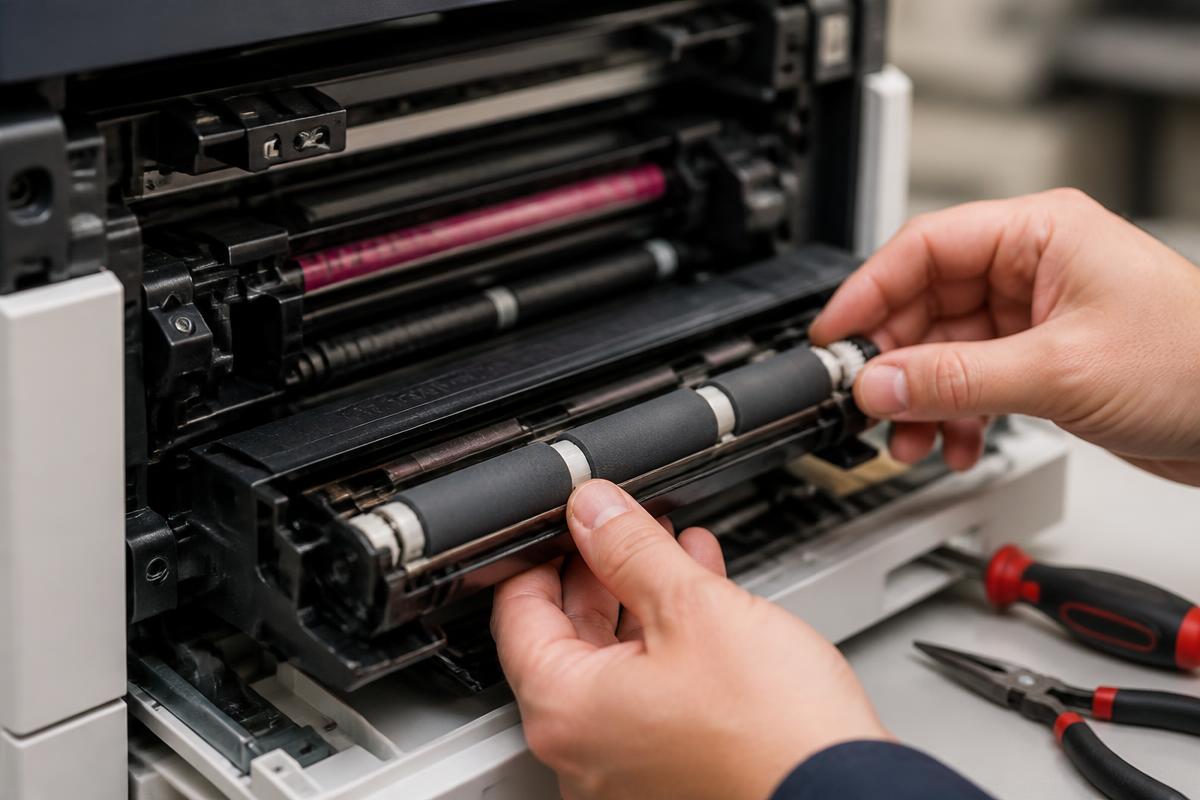
Gulf Coast paper problems
Sugar Land and Houston humidity routinely pushes paper past its ideal moisture content, and it shows up as jams.
- Store reams sealed, flat, and away from exterior walls and floors.
- Do not leave a partial ream open in a tray overnight in a warehouse office.
- Move paper into the print room a day before use so it acclimates.
- Watch for wavy edges — that paper will misfeed and curl through the fuser.
- In production environments, consider a dehumidifier for the supply closet.
If jams spike every summer, humidity is the first suspect, not the copier.
Still stuck?
Our Sugar Land technicians troubleshoot by phone at no charge before scheduling anything. Call (281) 313-9764 or request a quote.
Related services: copier repair, preventive maintenance, managed print services.
More guides
Keep reading.
How to Clear Paper Jams Without Damaging Your Copier
A safe, step-by-step method for clearing jams and knowing when to stop and call a technician.
Learn more →Common Copier Error Codes and What They Actually Mean
Decode the most frequent fault codes across major copier brands before you book service.
Learn more →10 Habits That Double the Life of an Office Copier
Practical daily and monthly habits that reduce service calls and keep print quality sharp.
Learn more →Toner vs. Ink: Choosing the Right Office Machine
Cost, volume and quality tradeoffs between laser and inkjet equipment for Texas offices.
Learn more →