
How to Clear Paper Jams Without Damaging Your Copier
A safe, step-by-step method for clearing jams and knowing when to stop and call a technician.
- Same-day service
- All major brands
- Flat-rate diagnostics
Why jams happen
A jam is rarely random. Worn pickup rollers, paper loaded against the grain, a mis-set tray guide or a torn scrap left behind from the last jam cause the overwhelming majority of them.
- Power the machine off before reaching into the fuser area — it holds heat for several minutes.
- Pull jammed sheets in the direction of paper travel, never backward against the rollers.
- Account for every piece. A half-inch strip left near a sensor causes a phantom jam for weeks.
- Fan and reload the stack, and set the tray guides snug without compressing the paper.
- Check the paper itself — a ream that has sat in a humid storeroom will jam in any machine.
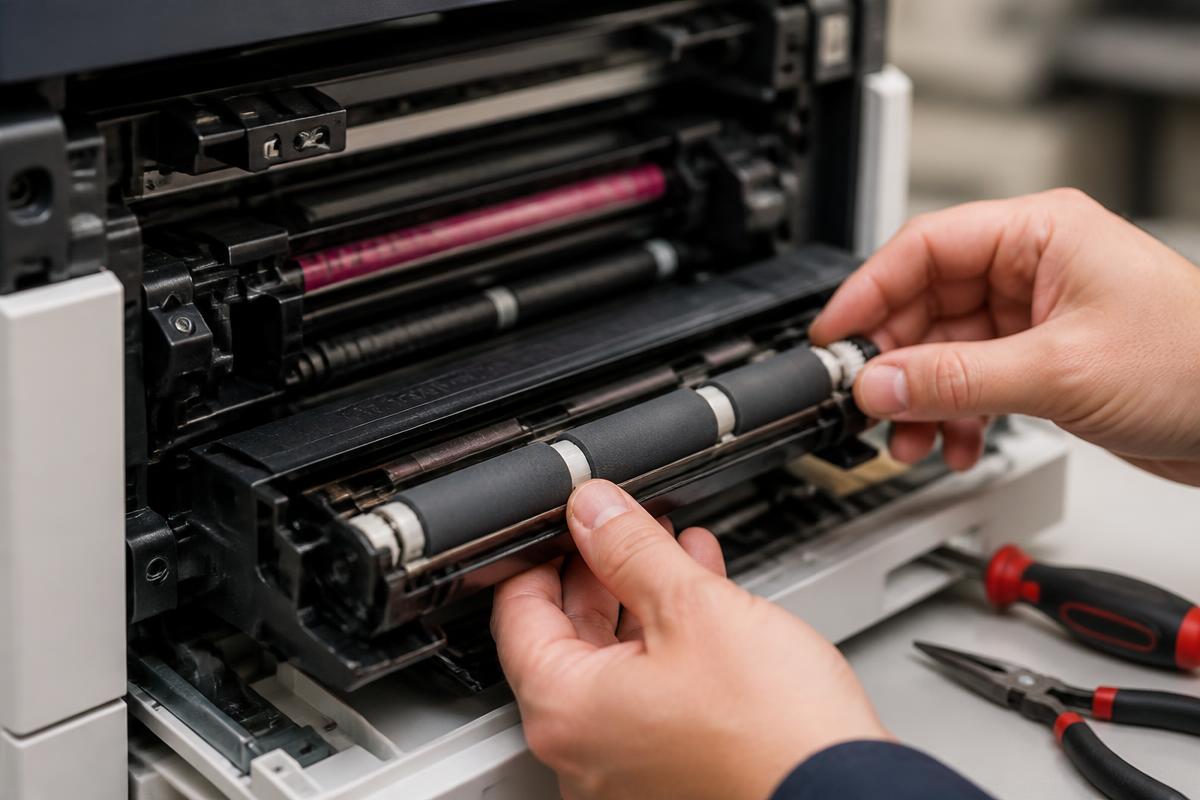
If the same tray jams more than twice a week, the pickup and separation rollers are worn. That is a 20-minute part swap, not a machine replacement.
Still stuck?
Our Sugar Land technicians troubleshoot by phone at no charge before scheduling anything. Call (281) 313-9764 or request a quote.
Related services: copier repair, preventive maintenance, managed print services.
More guides
Keep reading.
Common Copier Error Codes and What They Actually Mean
Decode the most frequent fault codes across major copier brands before you book service.
Learn more →10 Habits That Double the Life of an Office Copier
Practical daily and monthly habits that reduce service calls and keep print quality sharp.
Learn more →Toner vs. Ink: Choosing the Right Office Machine
Cost, volume and quality tradeoffs between laser and inkjet equipment for Texas offices.
Learn more →Print Quality Troubleshooting Guide
Streaks, ghosting, faded output and smudges — what causes each and how to fix it.
Learn more →