
Copier Security: Protecting the Data on Your Hard Drive
Every modern copier stores images. Here is how to secure and wipe them properly.
- Same-day service
- All major brands
- Flat-rate diagnostics
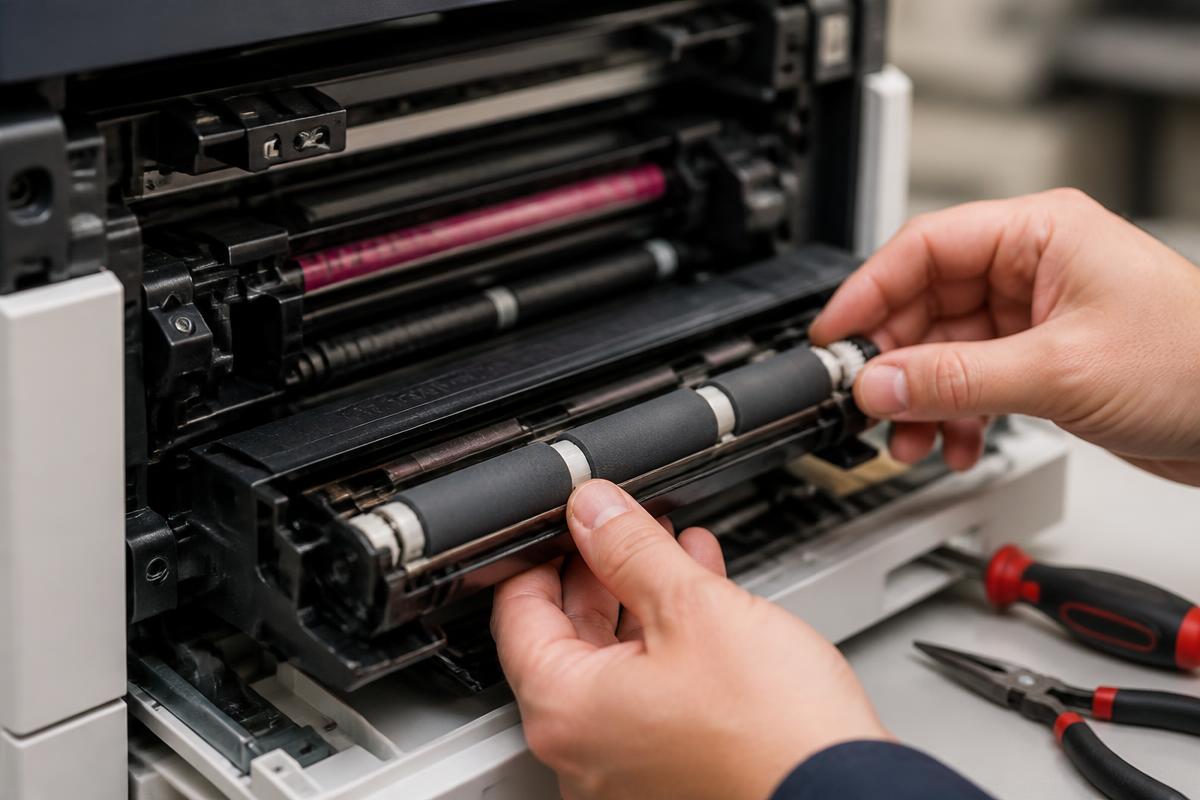
Your copier is a computer
Nearly every network-connected copier stores scanned and printed images on an internal drive.
- Enable image overwrite so job data is wiped after each task.
- Set an administrator password — most machines ship with a default.
- Restrict scan-to-email destinations and use authenticated SMTP.
- Turn on secure print release for HR, legal and medical documents.
- Keep firmware updated to close known vulnerabilities.
- At end of life, physically remove or certifiably wipe the drive before disposal or lease return.
We can run a security configuration review as part of any maintenance visit.
Still stuck?
Our Sugar Land technicians troubleshoot by phone at no charge before scheduling anything. Call (281) 313-9764 or request a quote.
Related services: copier repair, preventive maintenance, managed print services.
More guides
Keep reading.
How to Clear Paper Jams Without Damaging Your Copier
A safe, step-by-step method for clearing jams and knowing when to stop and call a technician.
Learn more →Common Copier Error Codes and What They Actually Mean
Decode the most frequent fault codes across major copier brands before you book service.
Learn more →10 Habits That Double the Life of an Office Copier
Practical daily and monthly habits that reduce service calls and keep print quality sharp.
Learn more →Toner vs. Ink: Choosing the Right Office Machine
Cost, volume and quality tradeoffs between laser and inkjet equipment for Texas offices.
Learn more →